Universal Compatibility
Connect and utilize both legacy 2.5" and 3.5" drives instantly.


Why customers love it
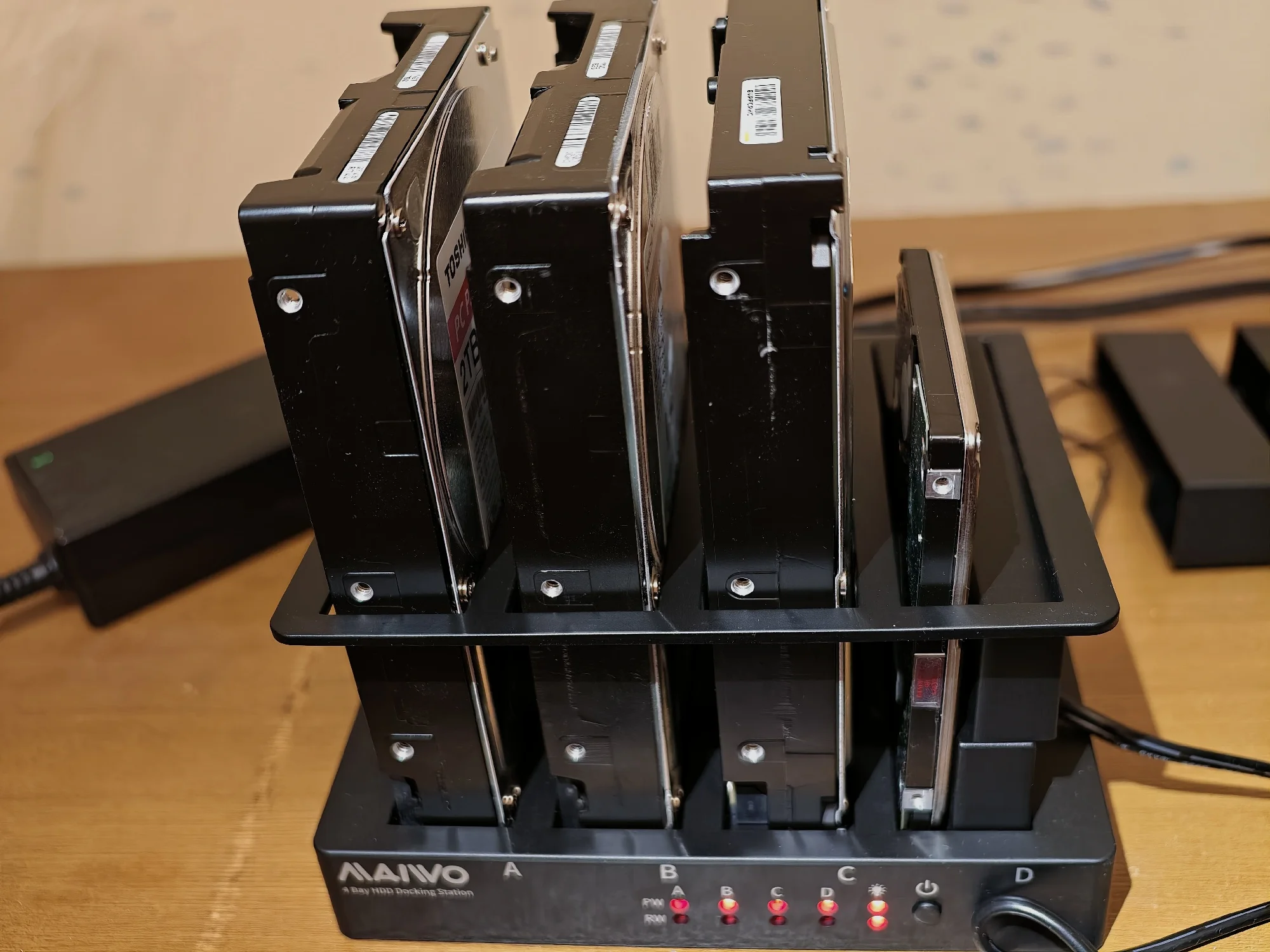
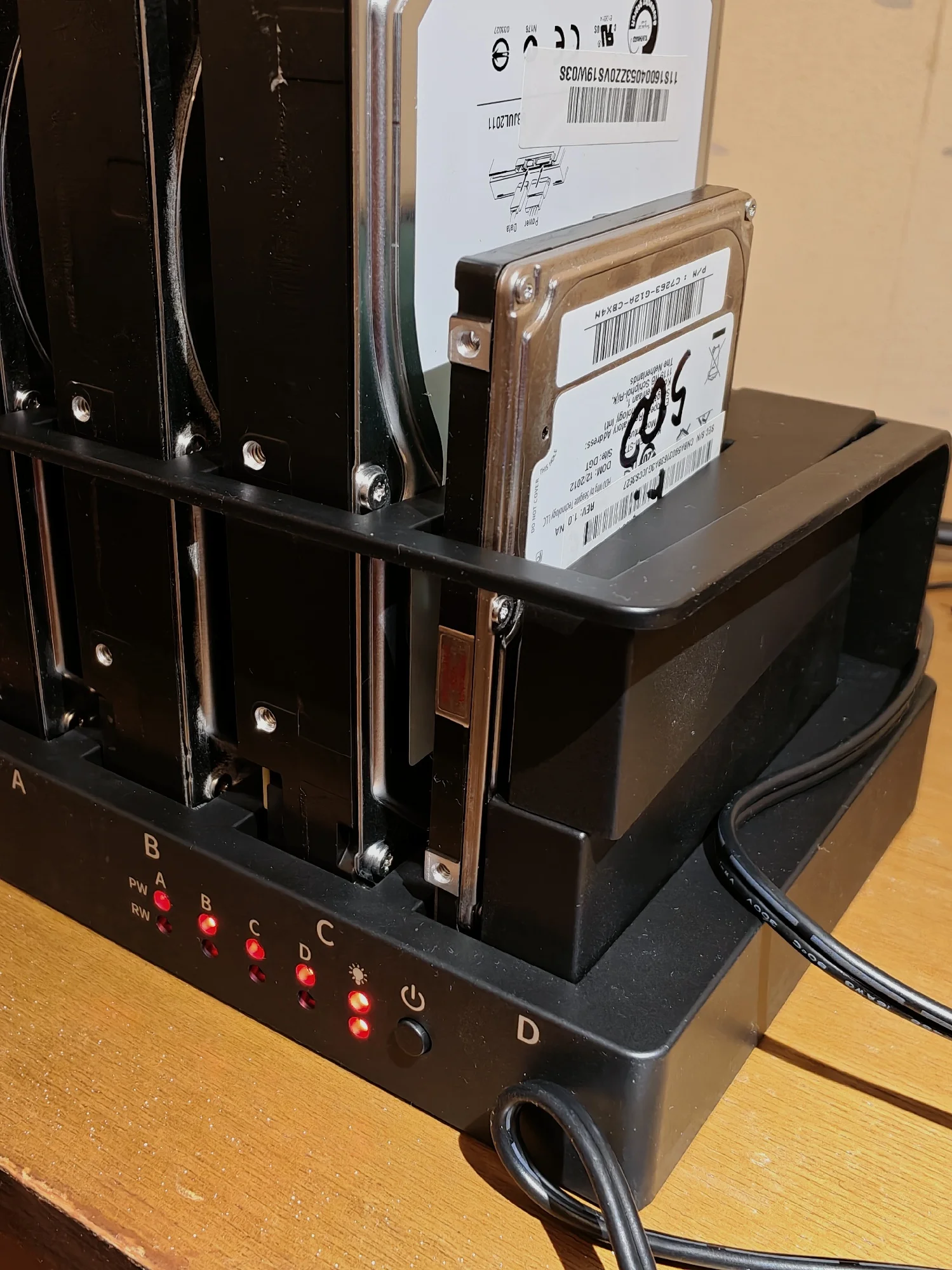
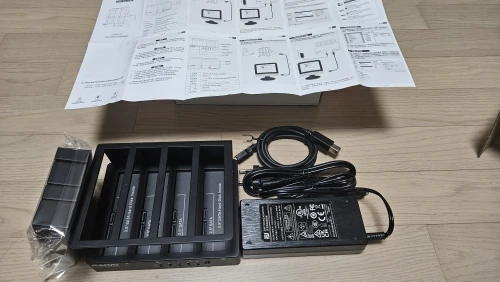
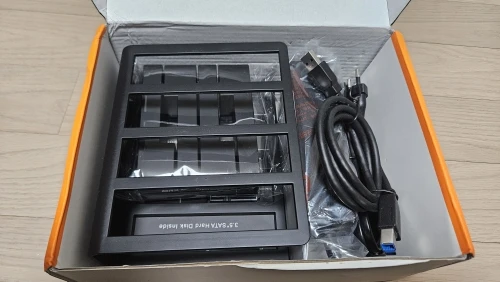
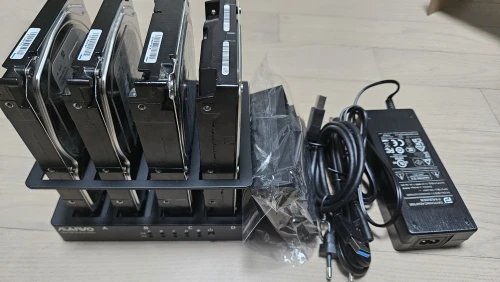
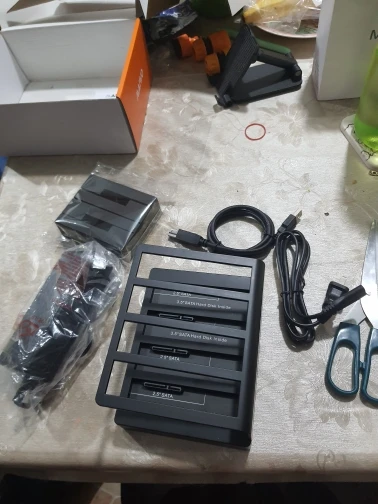
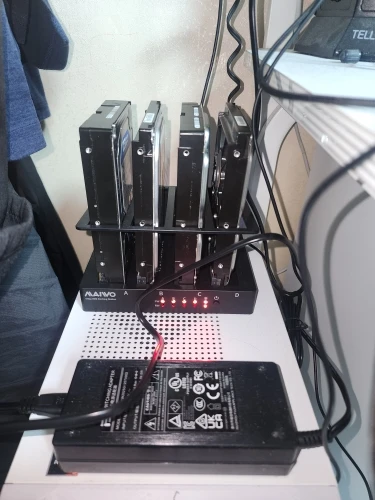
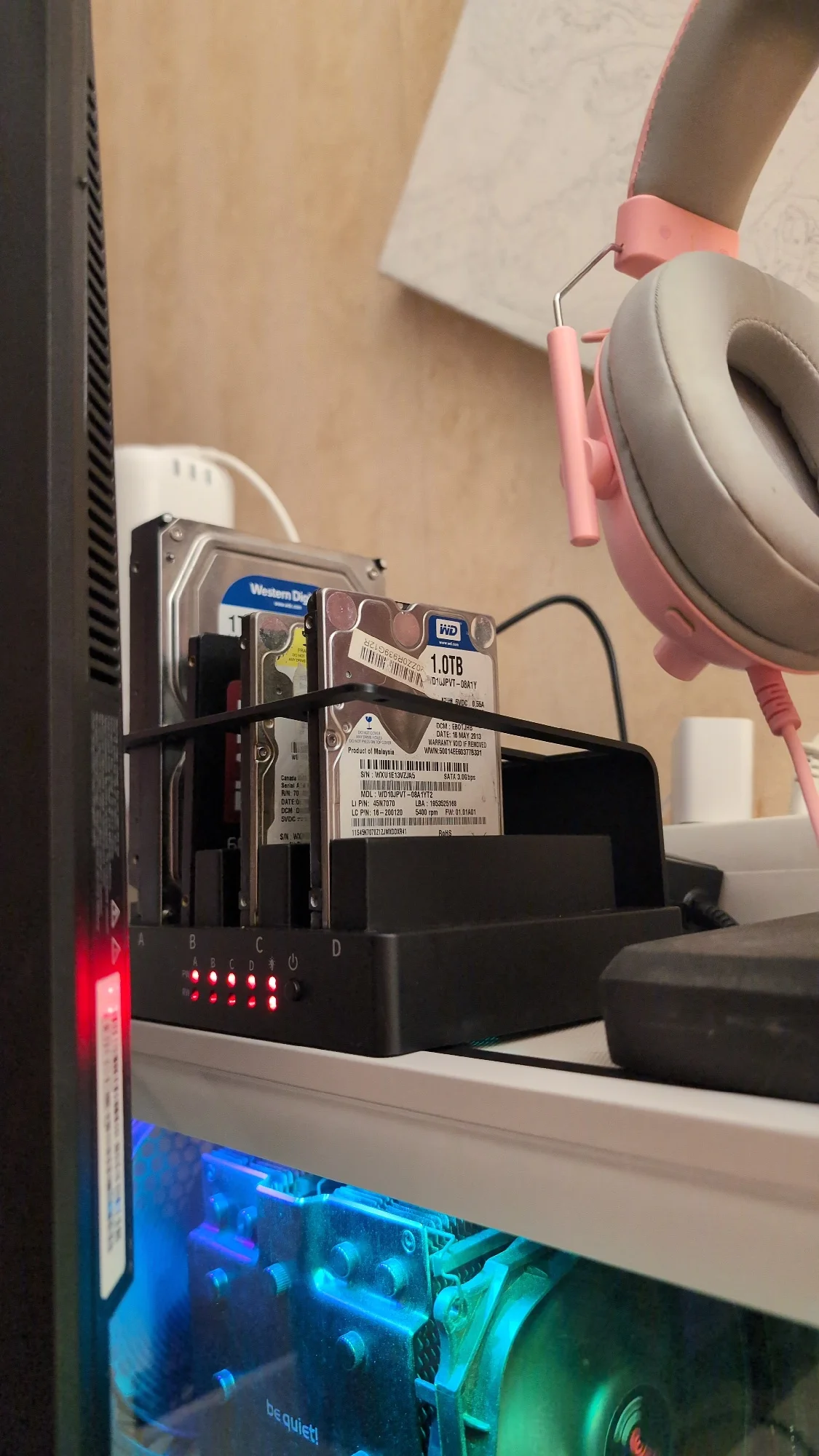
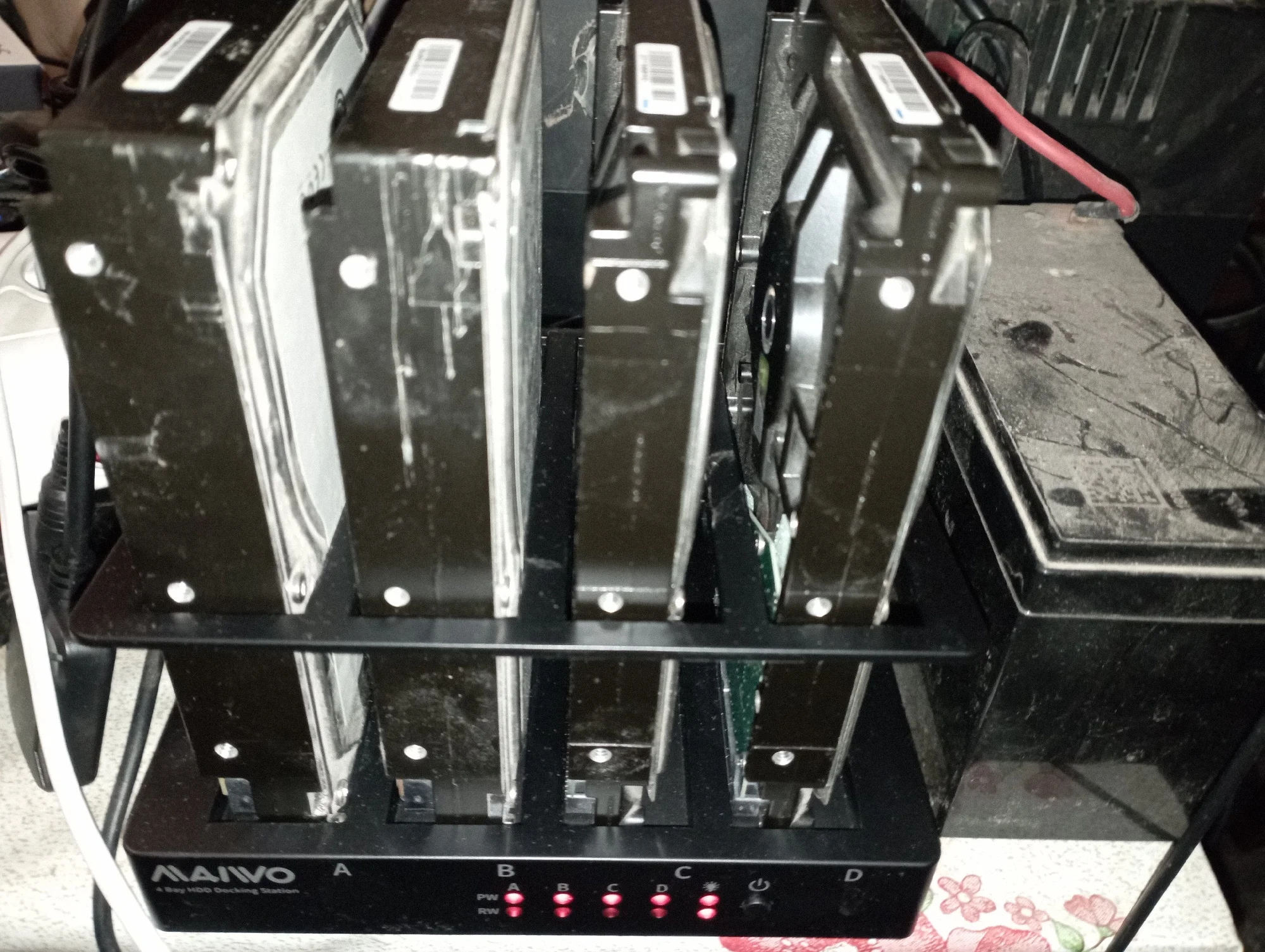
Transform your computer's storage limitations with this versatile 4-Bay docking station, designed to seamlessly connect and utilize both 2.5-inch and 3.5-inch HDDs or SSDs.
Connect and utilize both legacy 2.5" and 3.5" drives instantly.
Leverage USB 3.0 technology for fast and reliable data movement.
Integrated LED indicator makes locating your drives simple.
Works flawlessly across Windows, Mac, and Linux operating systems.
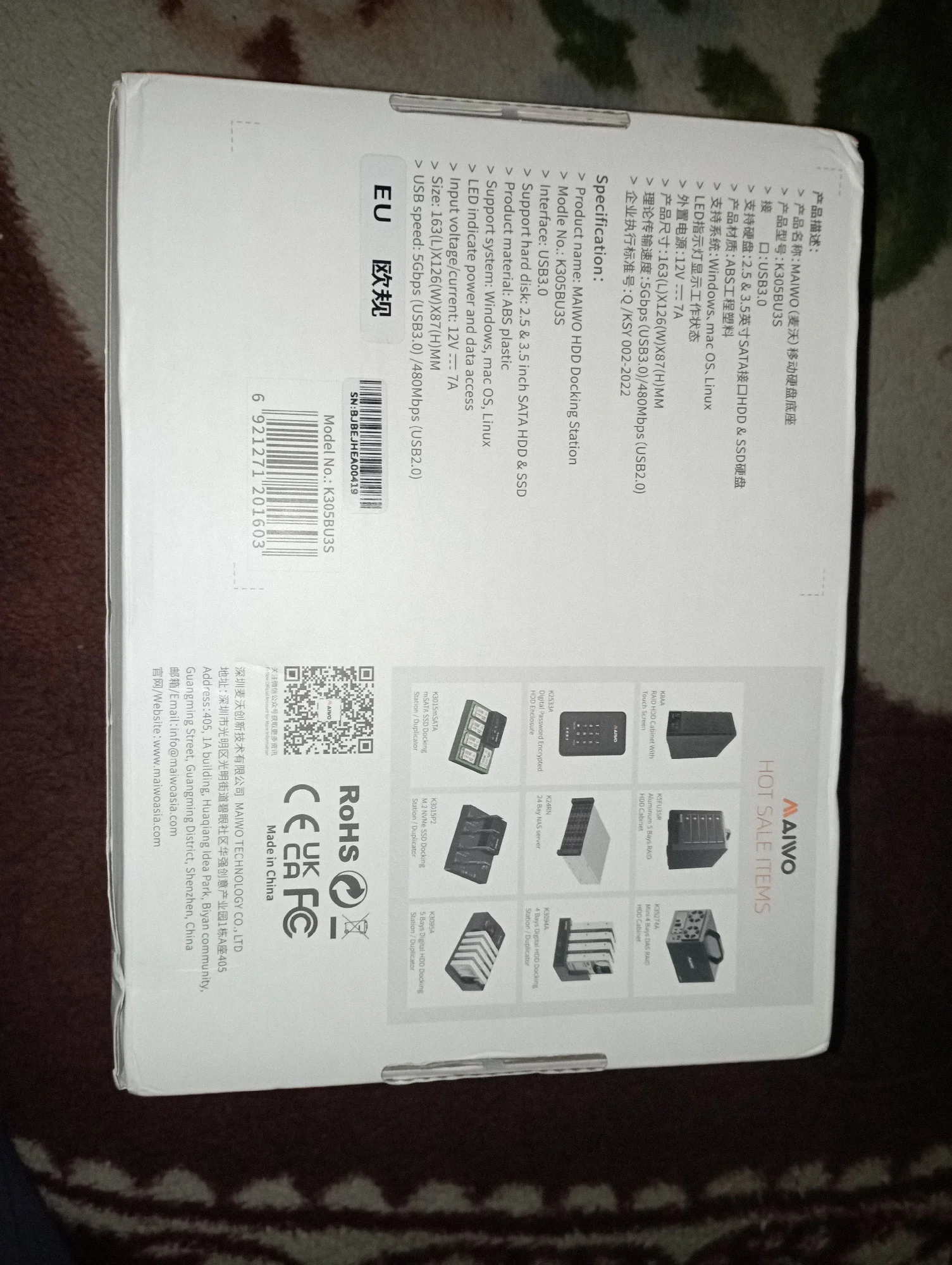
Technical Details
What you need to know about the docking station.
Why Choose This Dock?
The advantage of a dedicated multi-bay solution.
If your order arrives damaged, defective, or not as described, contact us within 14 days and we will make it right with a replacement or refund.
Answers to common user inquiries.
Yes, the docking station is designed for wide compatibility and works with Windows, Mac, and Linux operating systems.
You can use both standard 2.5-inch and 3.5-inch Hard Disk Drives or SSDs.
The high-speed USB 3.0 interface ensures fast data transfer for your external drives.
The unit is constructed with durable plastic materials to ensure reliable performance and longevity.
You can request a return within 14 days after delivery. Standard returns have a €4.00 EUR (approximately $4.66 USD) flat-rate return shipping fee, deducted from your refund. Return shipping is free for items that arrived damaged, defective, or incorrect. Items should be unused and in original packaging where possible. Contact us before sending anything back.
The disks are working.
The top fastener is made of plastic and is flimsy. But it holds the disks.
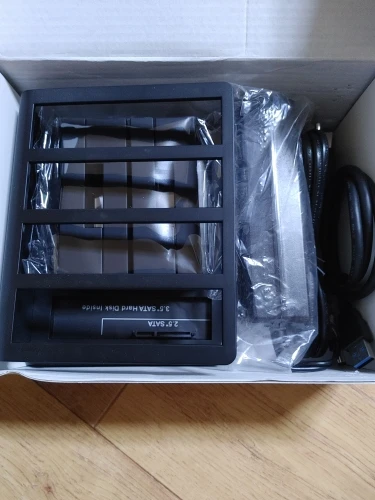
Spacers for 2.5" discs need to be installed in pairs, two per disc. If you install only one, the top of the disk will be loose.
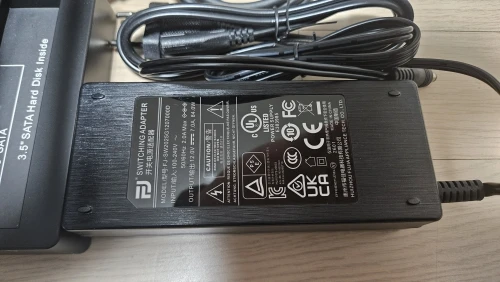
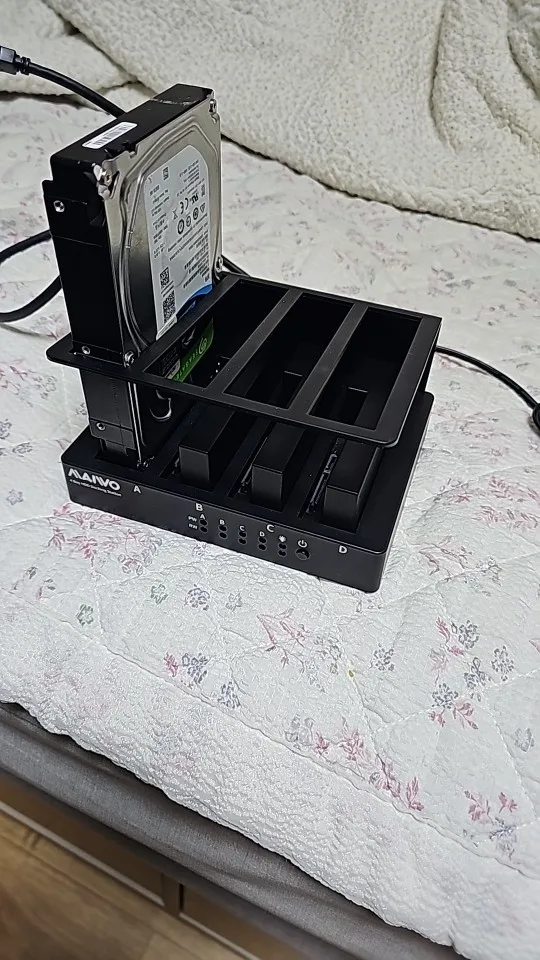
It is recognized well by the PC and also recognized well by the Synology DS920+ NAS. No special installation or operation is required; just install the HDD, connect it, turn on the power, and wait a little while for it to be recognized sequentially. It seems to consume about 20W of electricity per hour. Please keep this in mind when connecting to the NAS.
Thank u.
Already received this item today. i did test it and it worked very well with usb 3.0 socket.
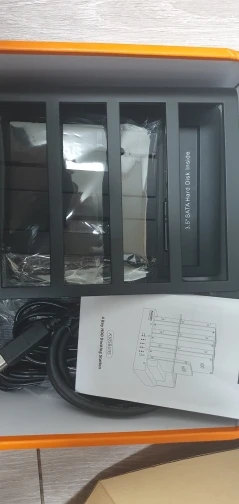
4-Bay External Hard Drive Docking Station
It's well recognized and I like it.
Good, good, good, good, good, good.
Good, good, good, good, good, good.
Good, good, good, good, good, good.
Good, good, good, good, good, good.
Good, good, good, good, good, good.
Good, good, good, good, good, good.
I happened to have 4 hard drives that I used in the past, so I ordered them and they worked perfectly.
Excellent product, very fast delivery.
The cable is short, so it's better to buy a longer one in advance.
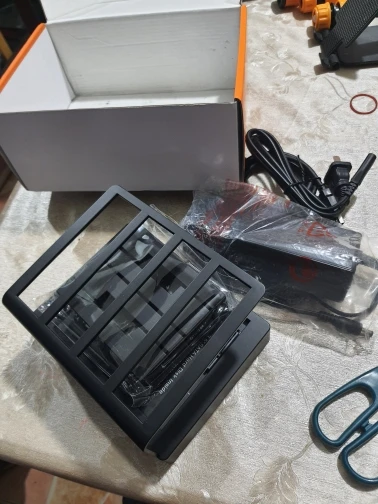
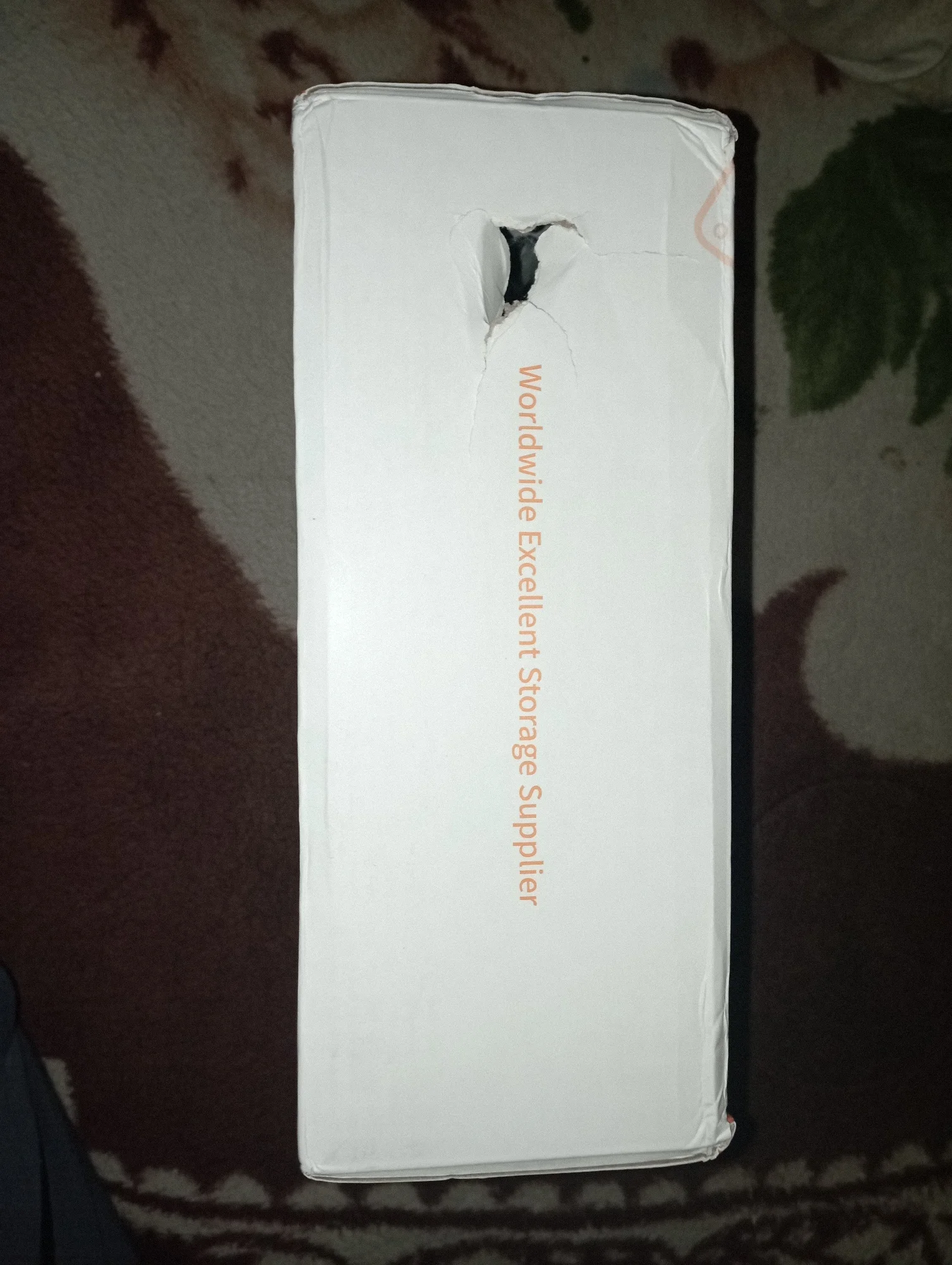
Thank you very much, AliExpress. Thank you very much, seller. Well packed. Thank you very much, Russian Post. 🥰 And this. Dear customs. I also asked you not to make holes in the box from your inspections. You spoil the presentation. The box. A hole on the side is not pleasant for everyone to see and receive such an order. Stop spoiling our orders. Learn to open the box and check it yourself. Cheers. Stop making a mess. Puncture our boxes. This is not normal.
It seems to be well-made. When I connect it and turn on the power, it automatically starts to grip things firmly. After upgrading my old computer, I naturally had a lot of HDD space left over, but when I connected it to my new computer, it became a problem in terms of space, electricity, speed, etc., so I removed it. However, there is nowhere to store the saved data, and in this day and age when SSD prices are skyrocketing, it's even more of an issue. It's good that it can still be stored like this and turned on and off as needed, but one downside is that I bought it knowing this: it's open type, so it's susceptible to dust, and the HDD itself isn't securely fixed but just placed on the connection terminal. Other than that, it seems to be good value for money. At least it's definitely working.
I installed 1TB, 2TB, and 169GB, and all are recognized well and can be used.