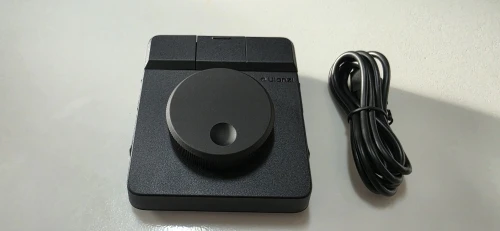
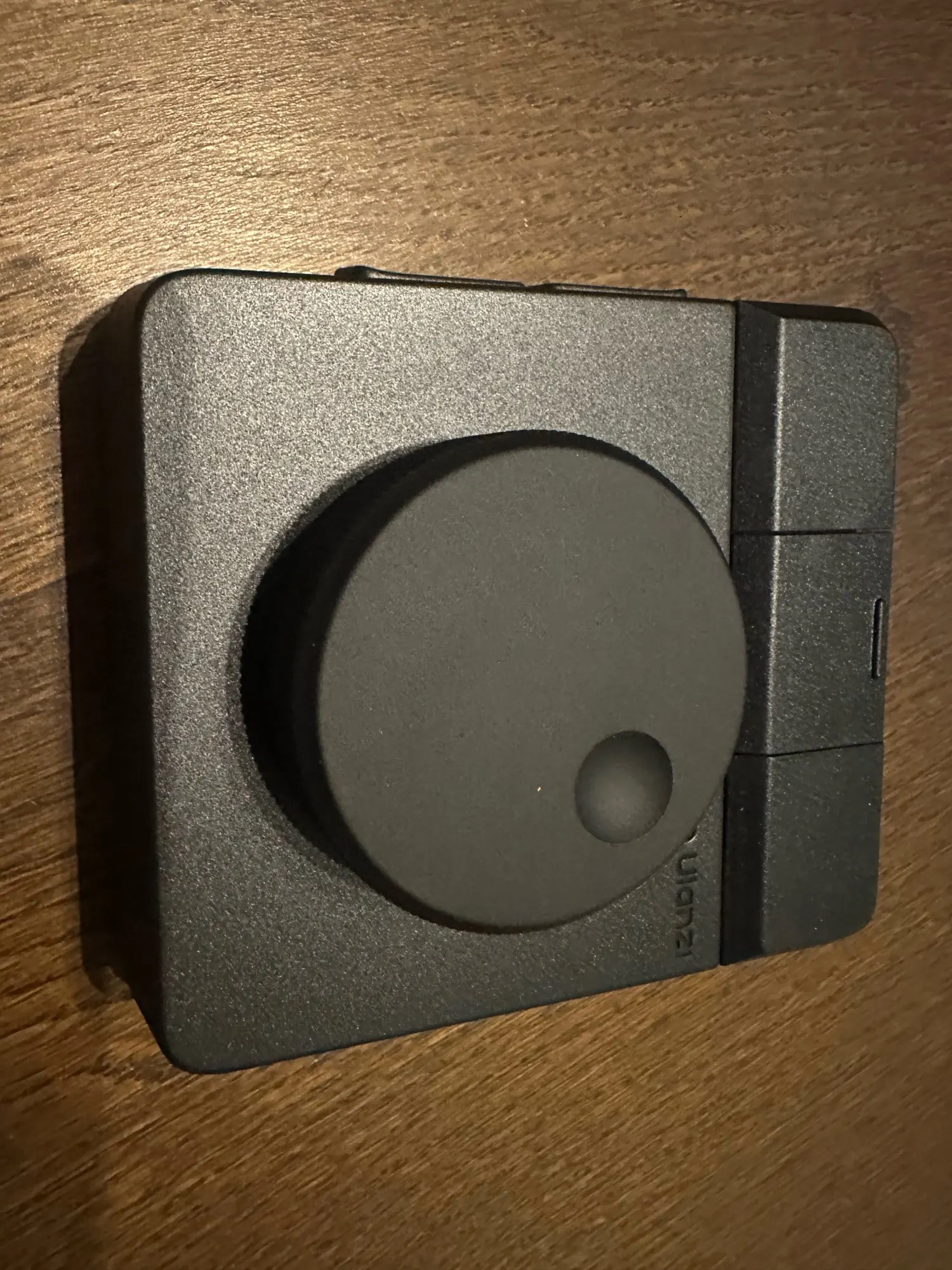
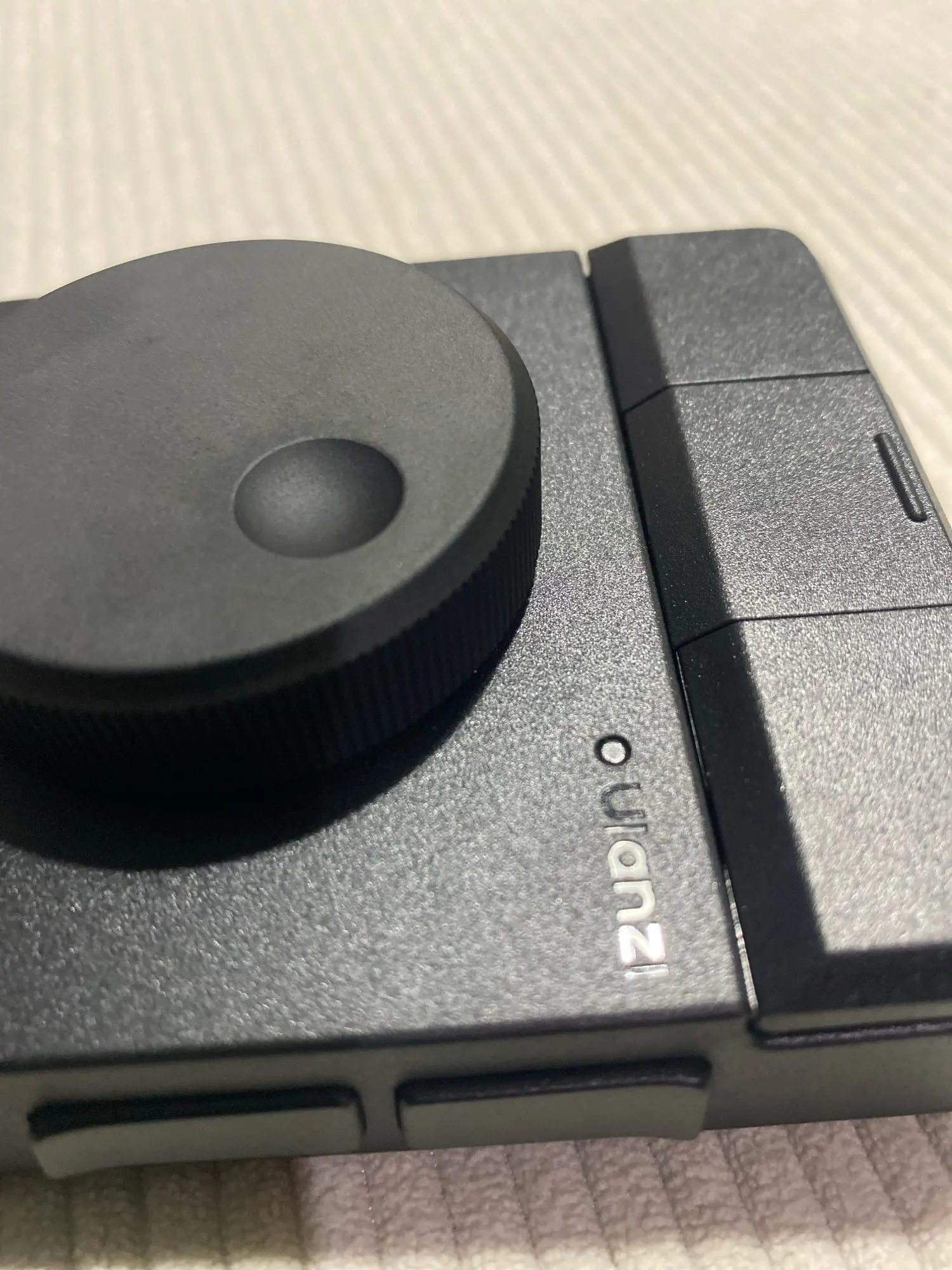
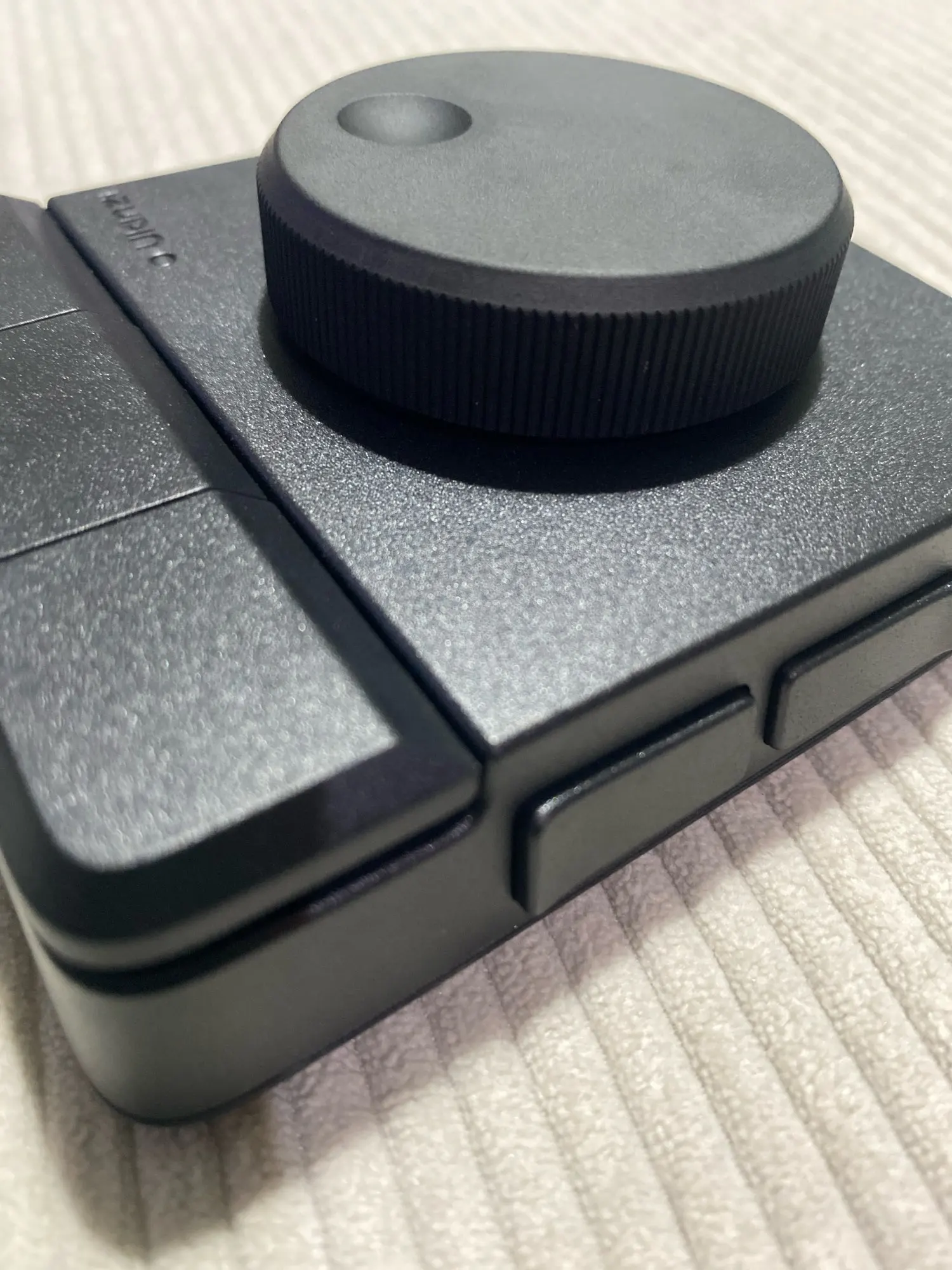
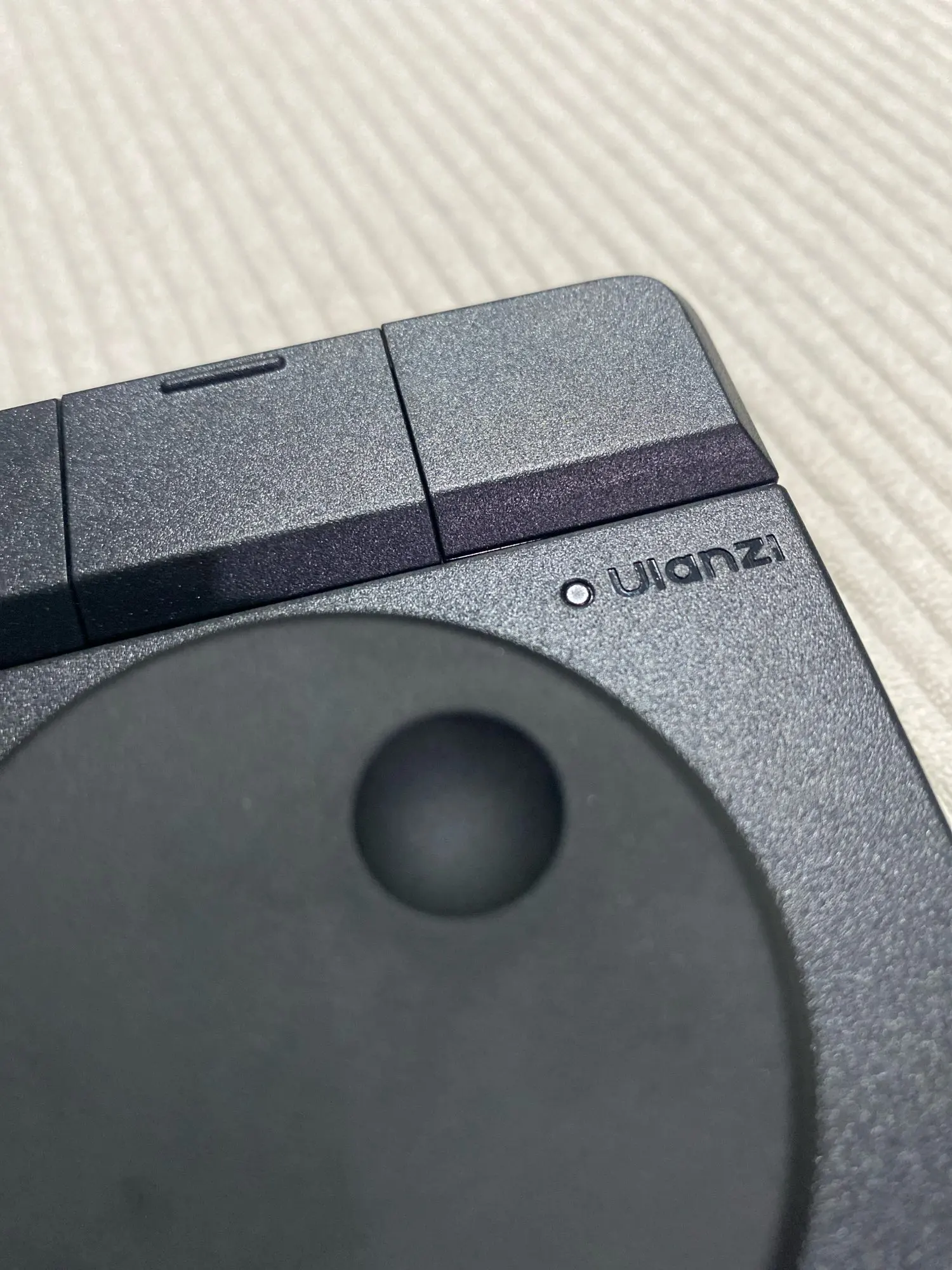
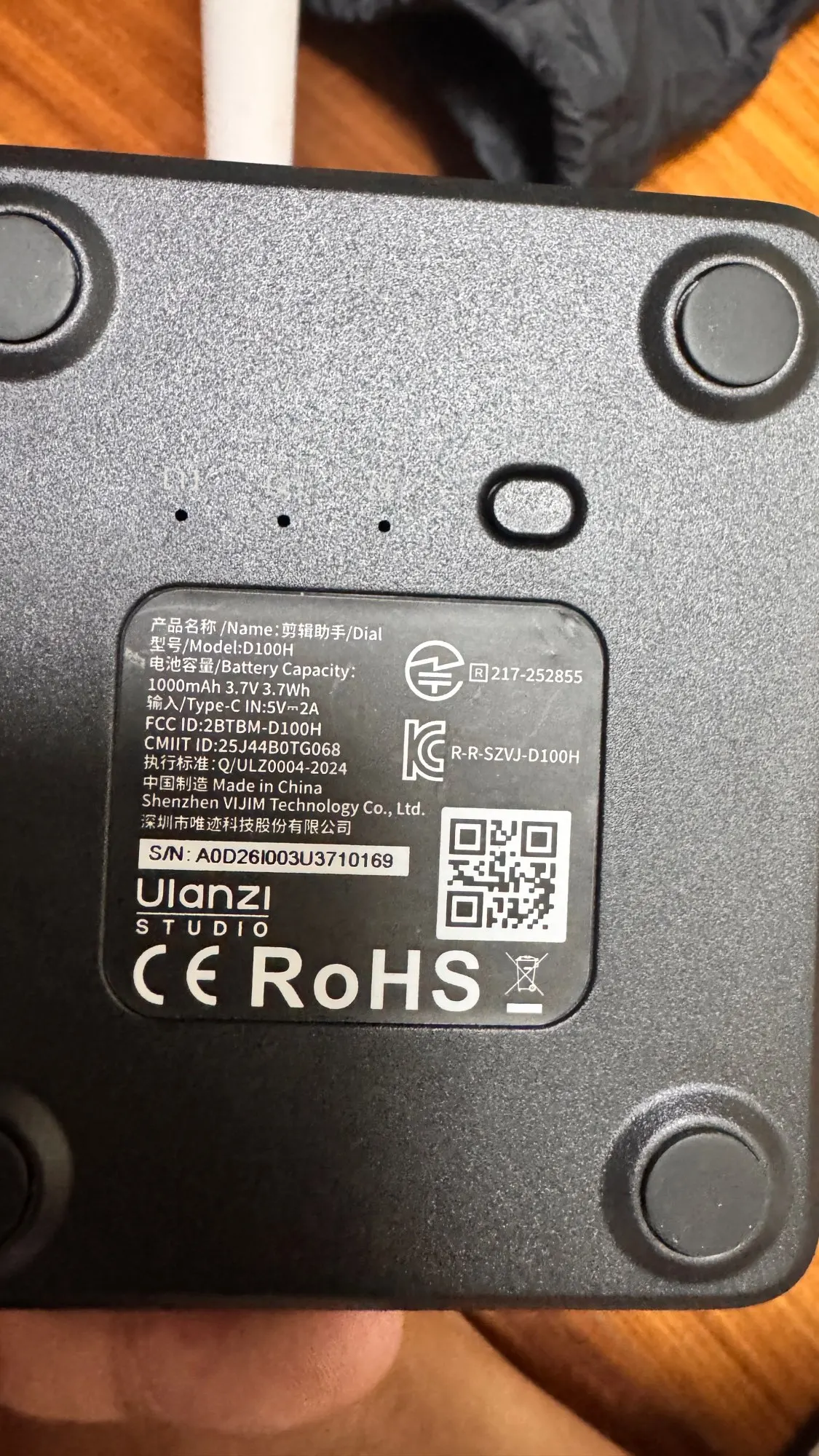
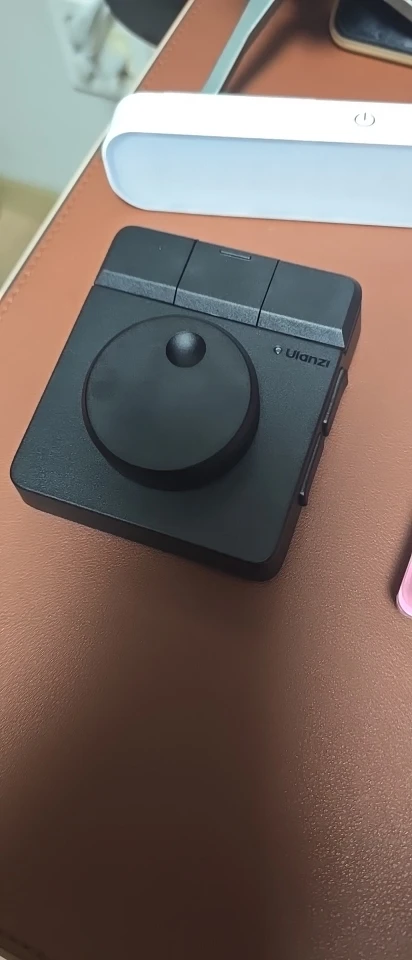
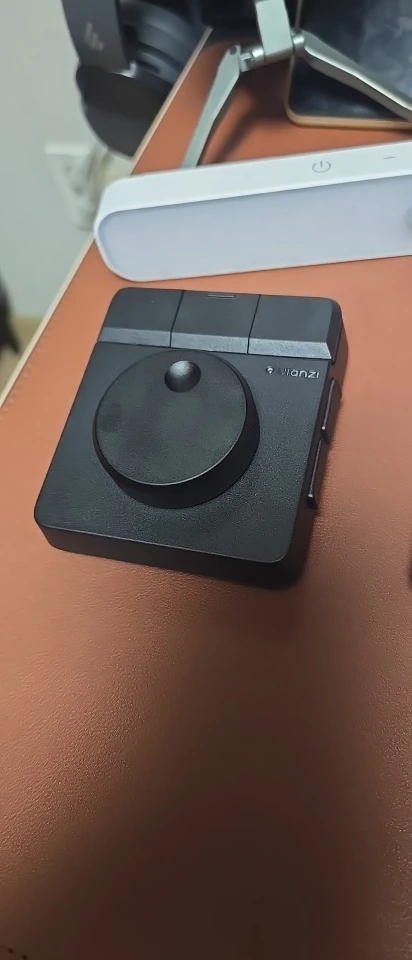
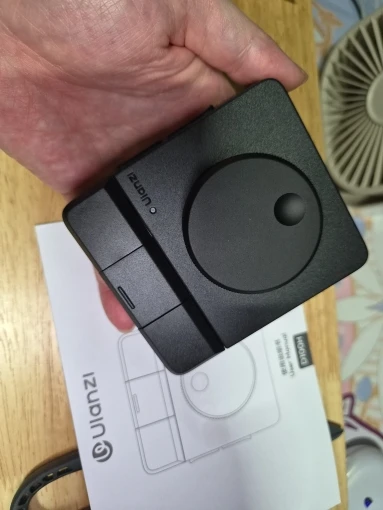
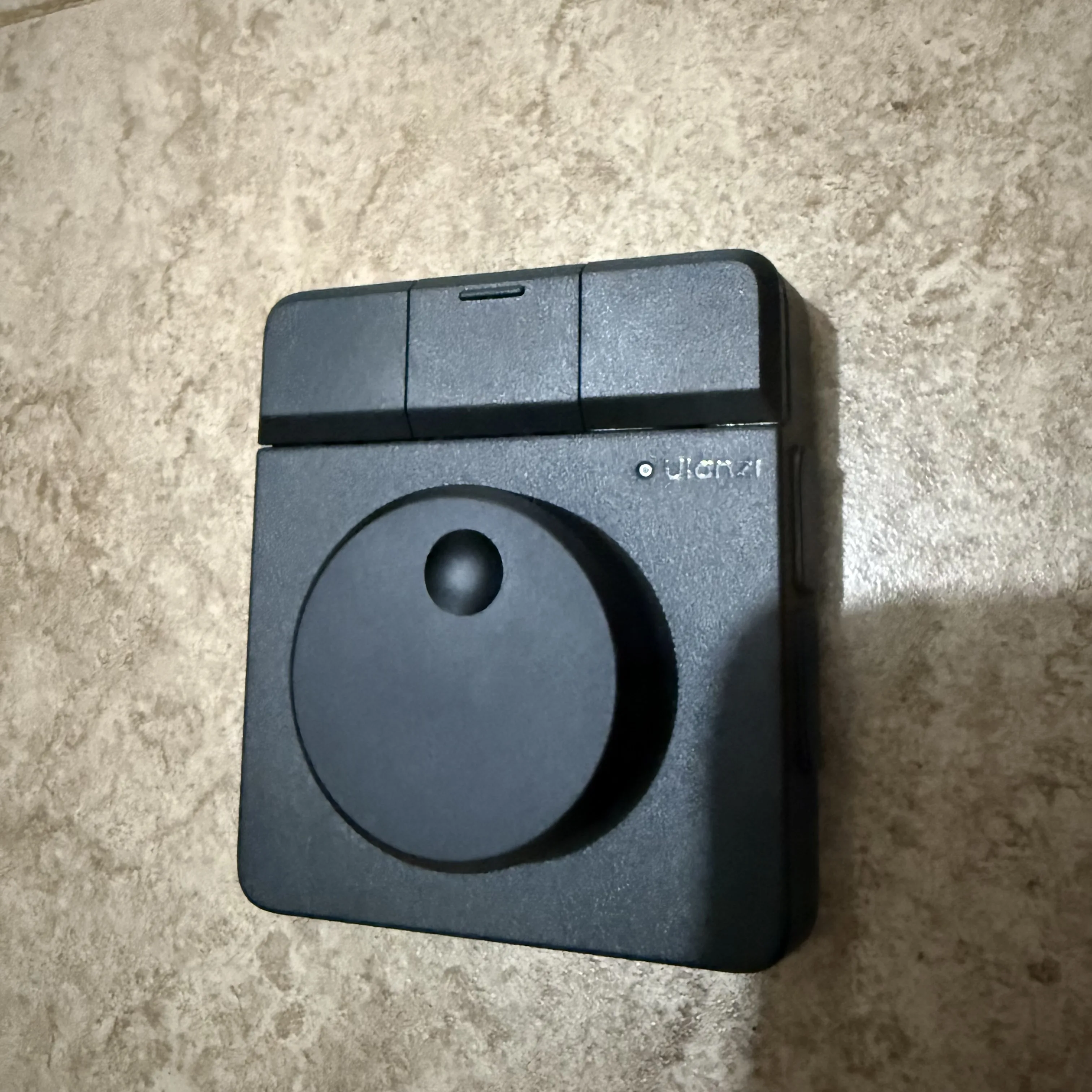
Precise Control
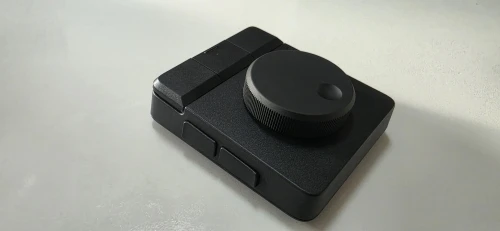
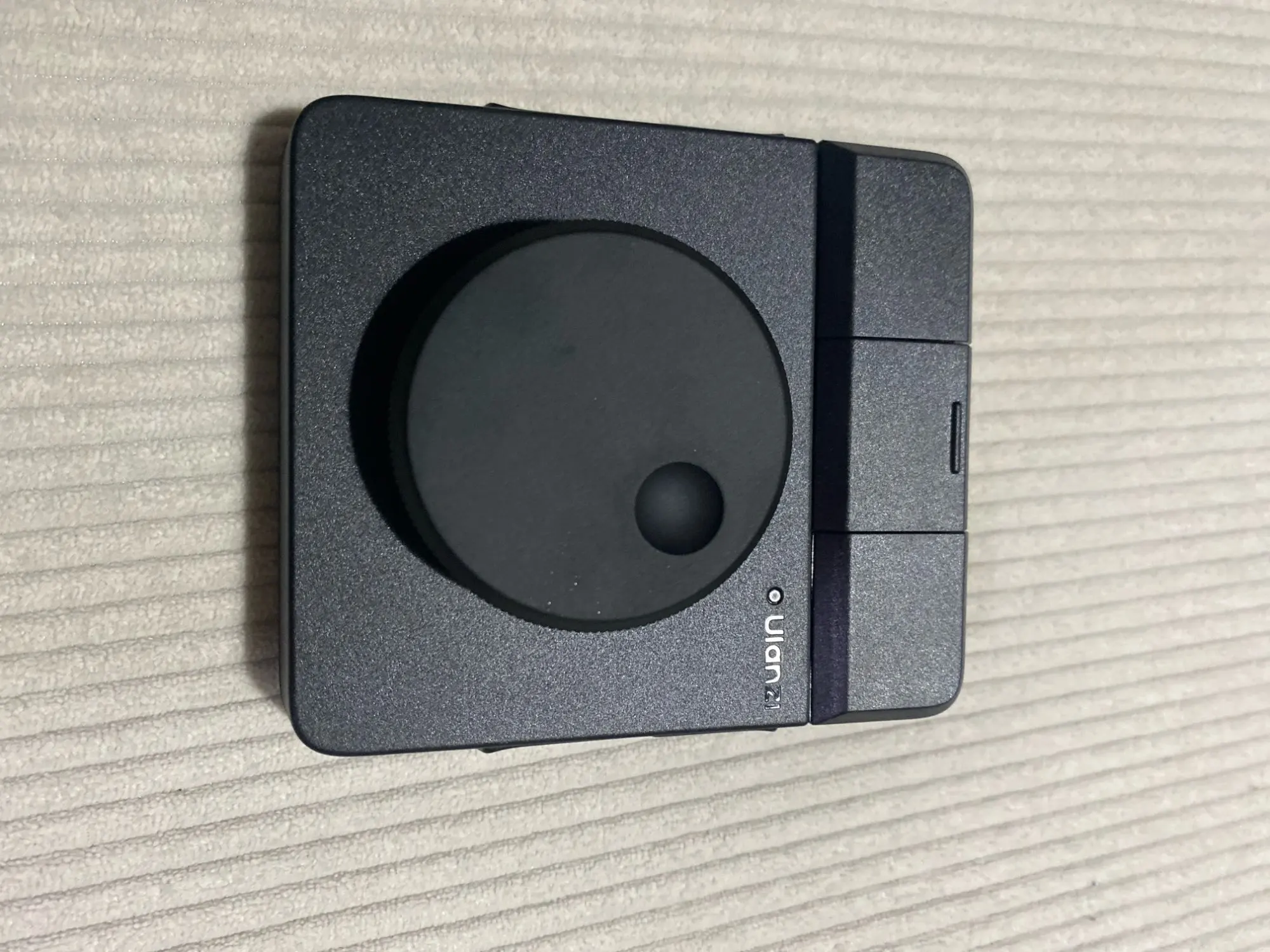
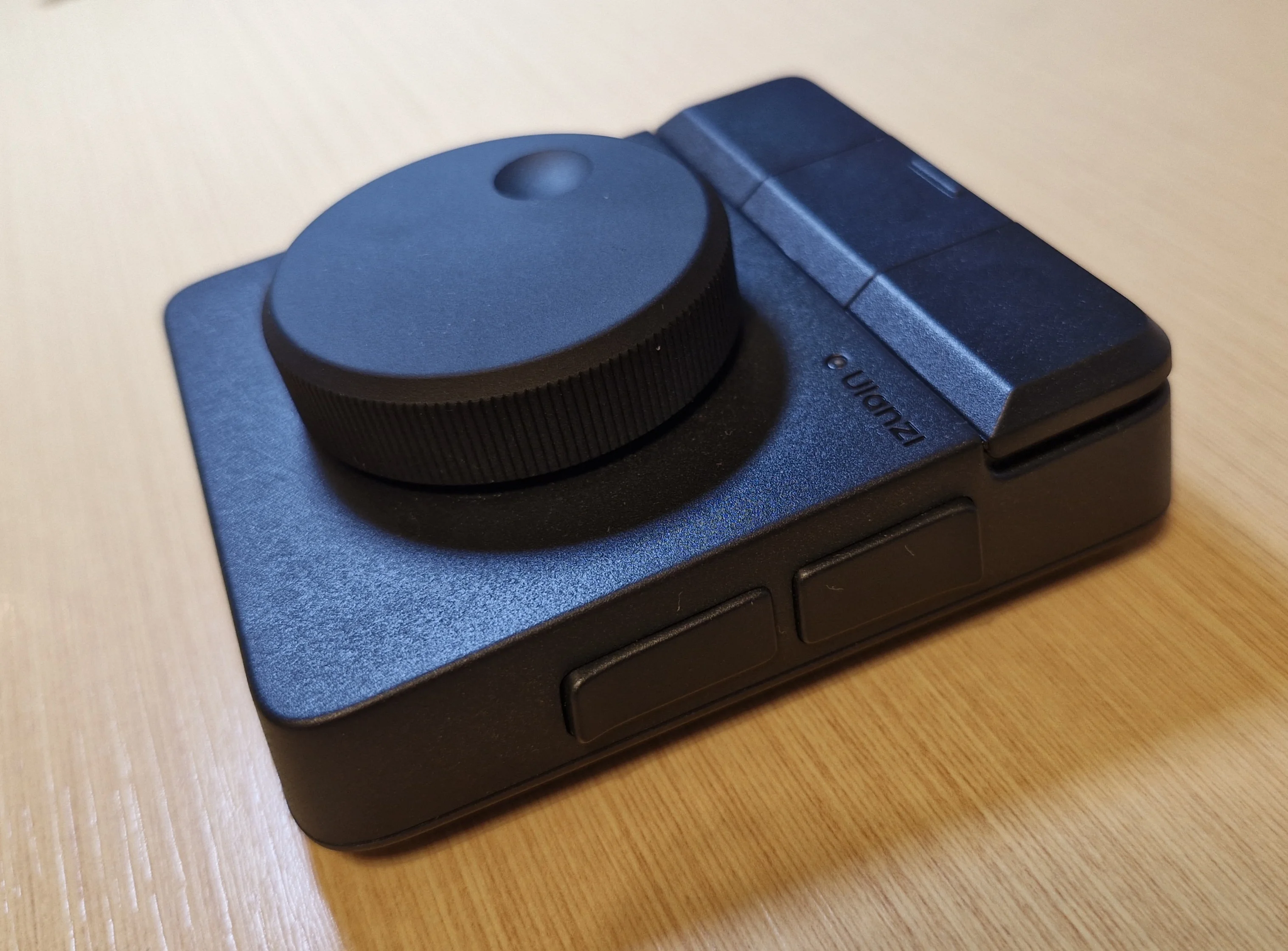
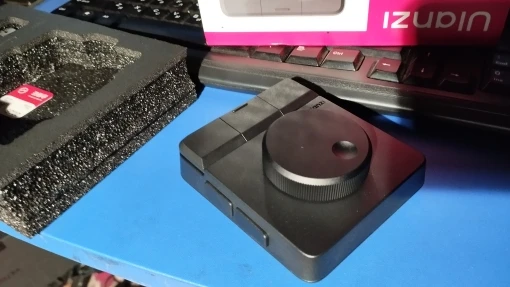
The haptic dial ensures every adjustment is accurate and deliberate.


Why customers love it
Transform your video and photo editing process from complex to seamless with the Ulanzi D100H controller.
The haptic dial ensures every adjustment is accurate and deliberate.
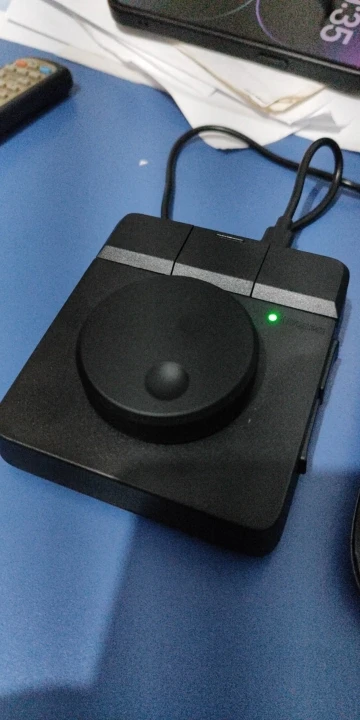
Intelligent RGB allows you to tailor the visual feedback to your workflow.
Seamless connectivity lets you operate your tools from any device.
Built with an advanced electronic system for dependable, consistent results.
Technical Details
What makes the D100H a powerful editing tool.
The Ulanzi D100H is a powerful, versatile controller designed to streamline your video and photo editing workflow with intuitive, precise controls.
This tool is ideal for content creators who need precise control over their media, such as YouTubers, TikTokers, and professional editors.
Answers to common questions about the D100H controller.
Yes, the D100H is designed specifically for content creators like YouTubers and professional editors who require precise control over their media workflow.
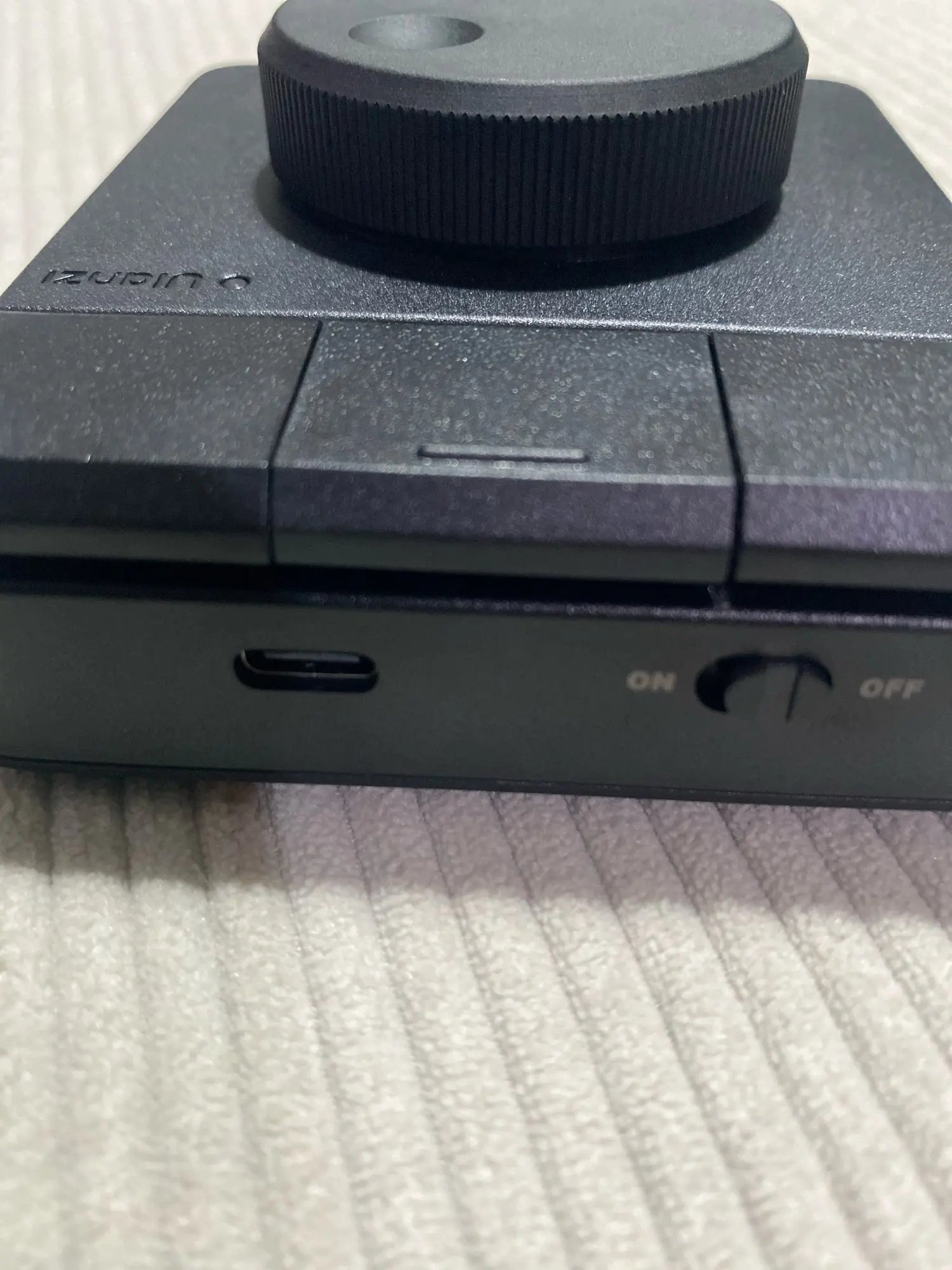
The controller features a seamless wireless connection designed for reliable, multi-device operation during your editing sessions.
No, the intelligent RGB system is built into the unit for customizable feedback right out of the box.
The tool is designed to simplify complex editing tasks, making it accessible for creators looking to streamline their process.
Free standard shipping on orders US$30+
To Germany: 1–3 business days processing, then 5–12 business days in transit. Estimates, not guaranteed dates.
Your dispatch email includes a tracking link. Contact us if it has not arrived within 5 business days of ordering.
Outside the EU, import duties and local taxes may be payable on delivery. See the shipping policy for supported destinations and conditions.
Request a return within 14 days of delivery. Standard eligible returns must meet the policy conditions; a €4 prepaid-label fee is deducted from the refund. Return shipping is free for faulty, damaged or incorrect items. Contact us promptly if something is wrong. Your mandatory consumer rights are unaffected.
Product reviews · Judge.me
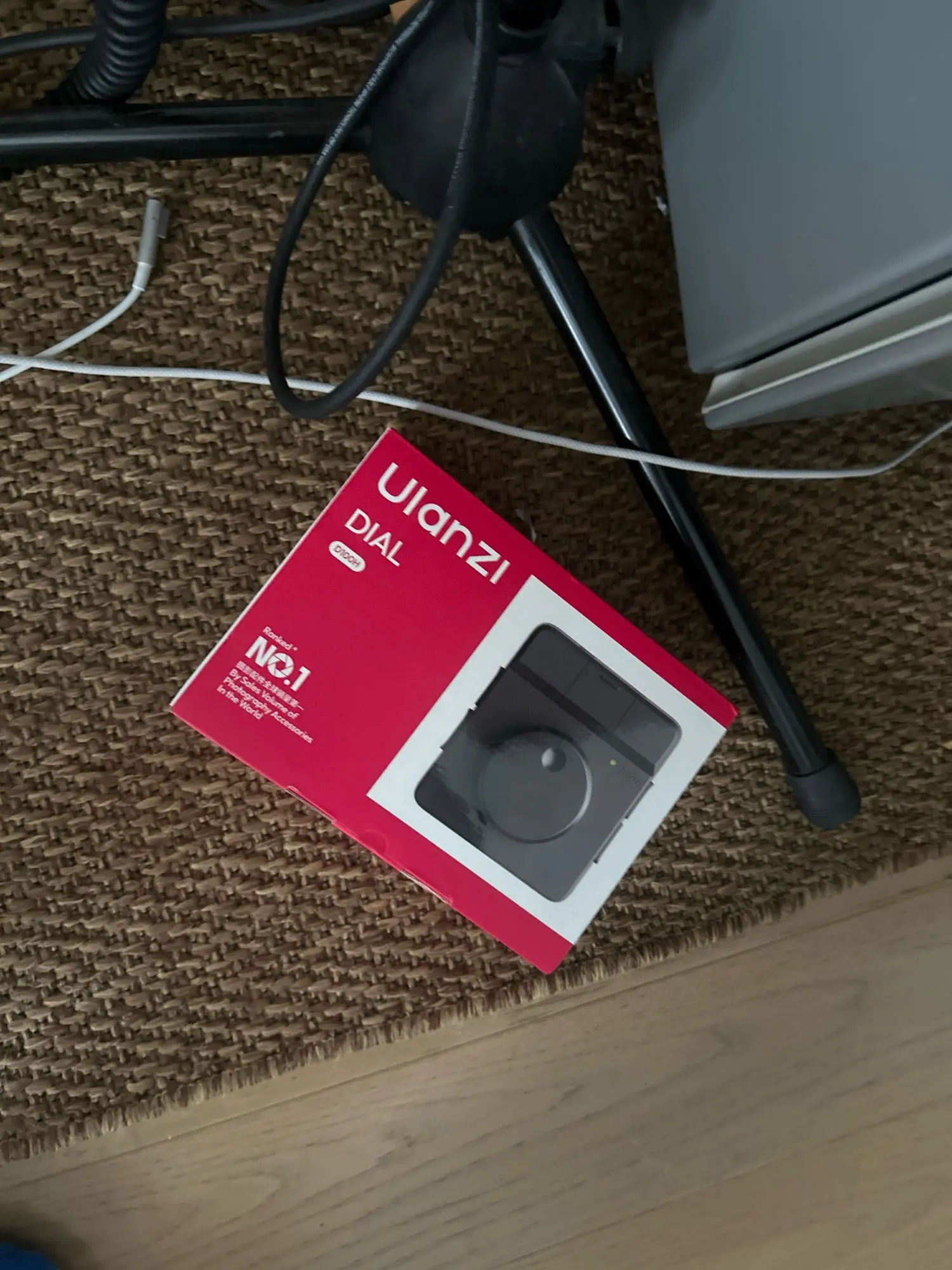
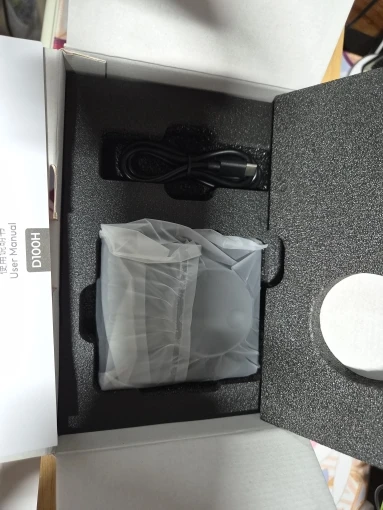
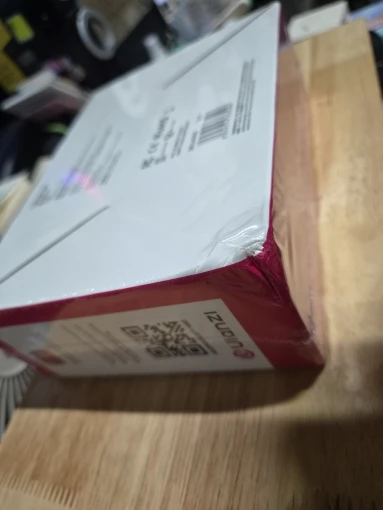
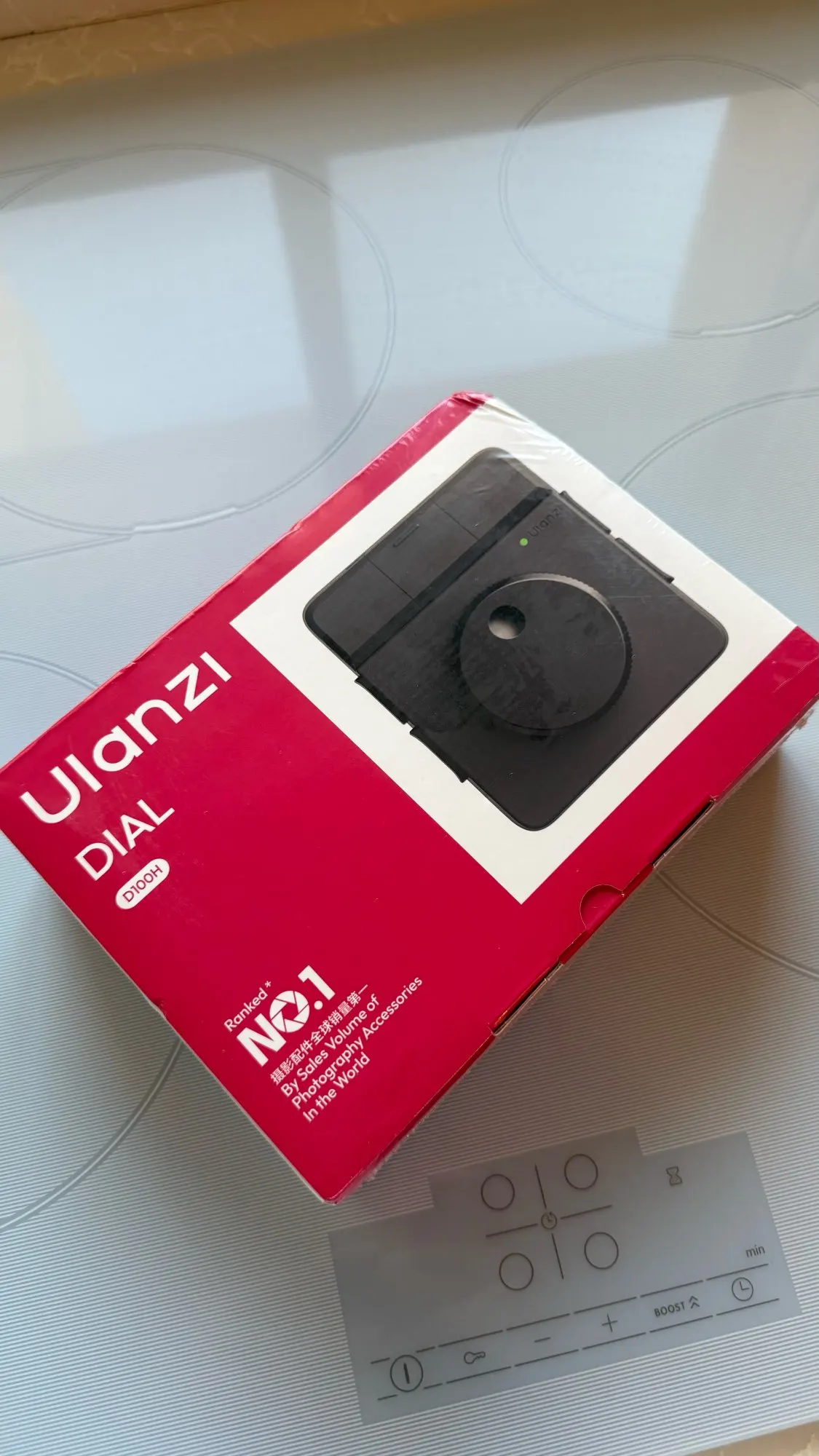
The box arrived torn, but I am satisfied with the product.
The product arrived within the expected timeframe, but depending on the region and provider, it may not connect to the software download server and plugin.
It is now working correctly.
Ulanzi D100H Dial Creative Controller for Video Editing
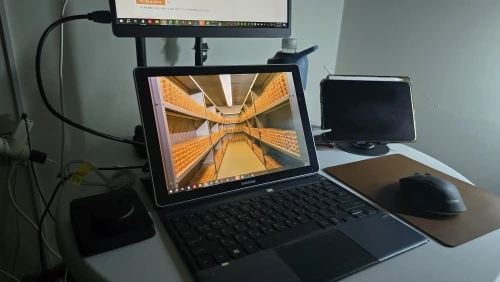
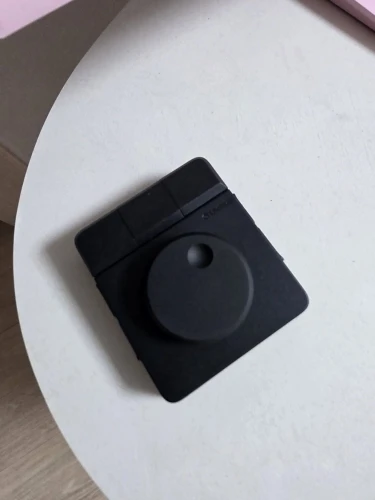
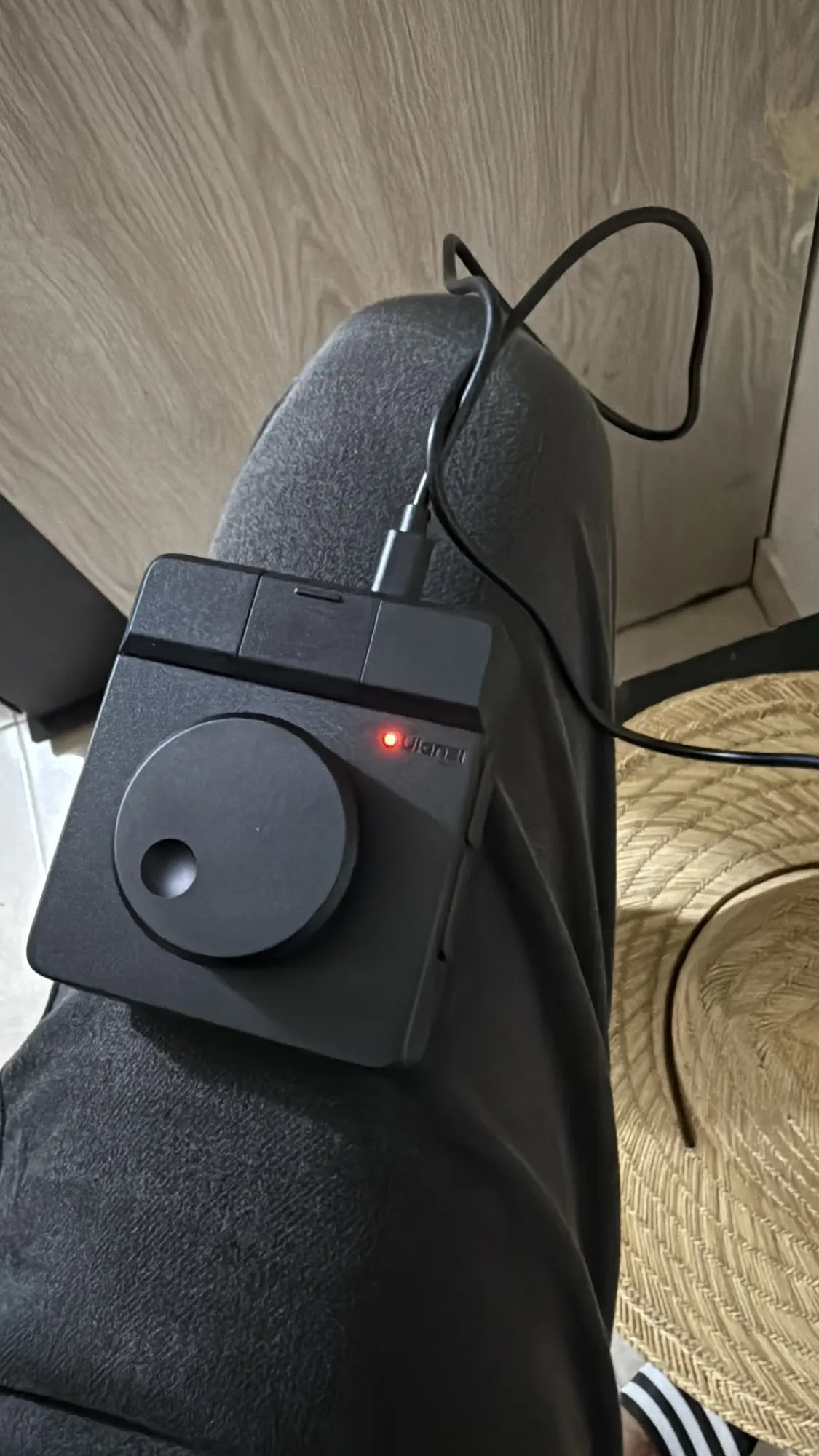
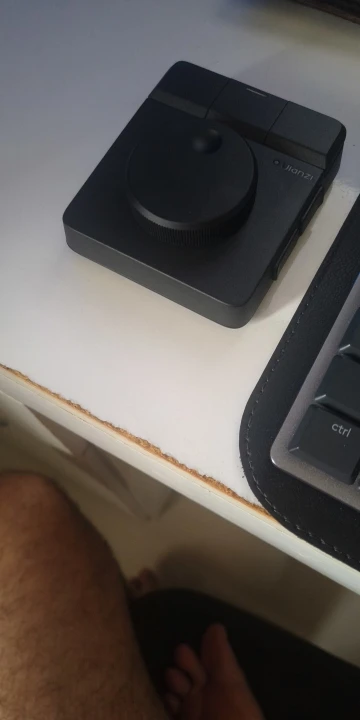
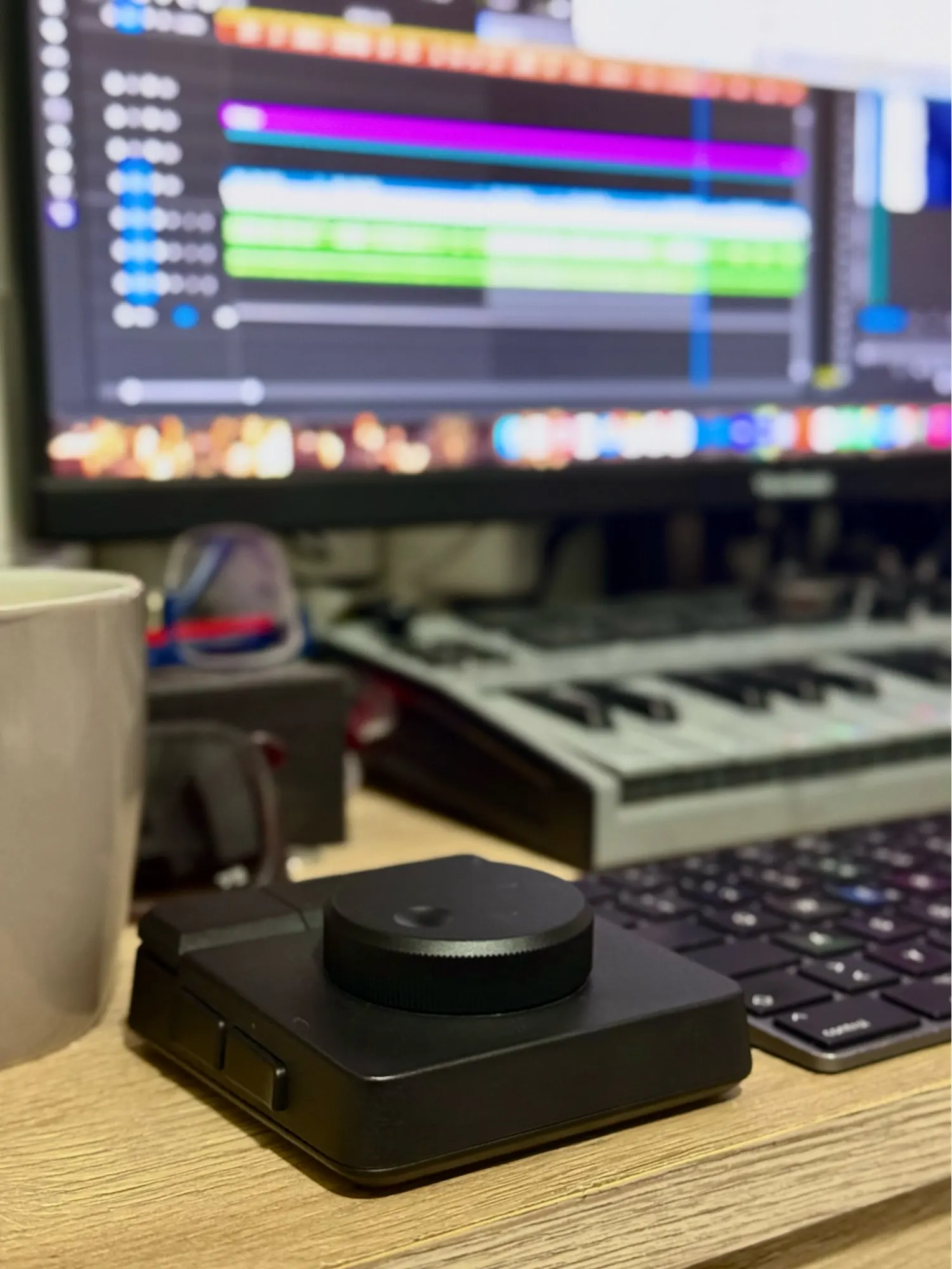
There are really many macro devices that we have and use. Among them, the products actually used on the desk are the selected ones, and I am using the Ulanzi D100H placed on the left side of the keyboard. Connecting frequently used buttons here quickly increases efficiency.
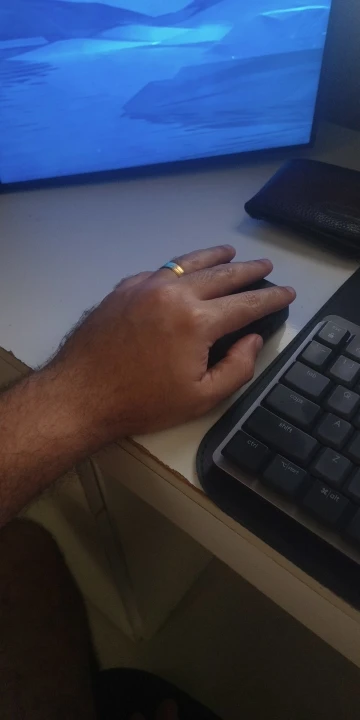
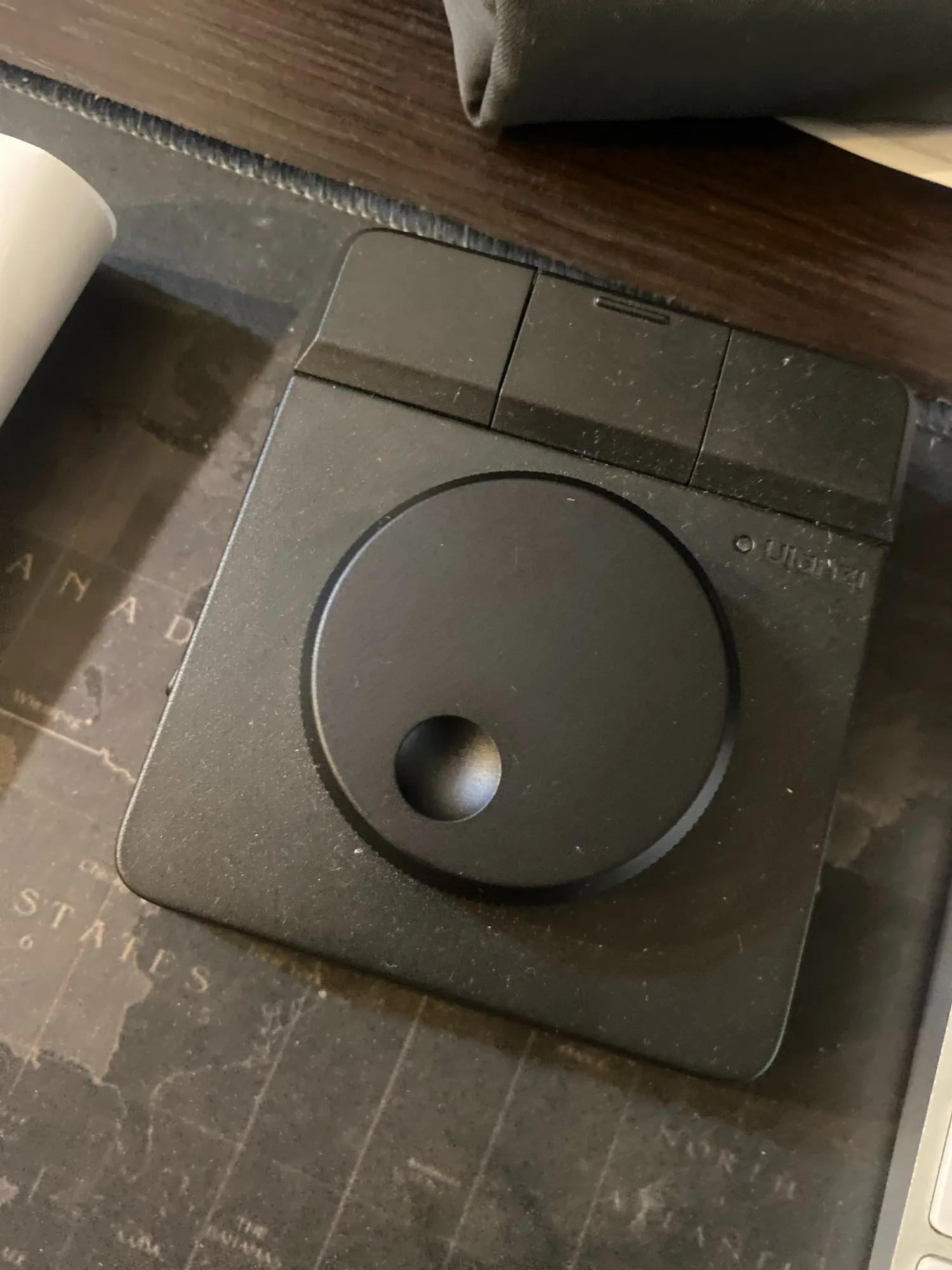
You can hold a Logitech mouse in your right hand and type on the keyboard, then slightly move your left hand to hold it like a mouse in one hand. This is the strength of this device.
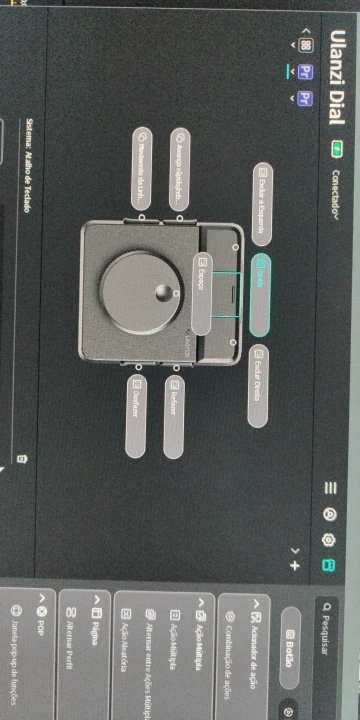
I am using it by specifying the wheel actions for each profile and switching between them, and it is also possible to set profiles for each app. After saving various options and using them, I get confused about which button is which, so I expand the Windows virtual desktop until the button settings window appears in my mind. I set a shortcut key for screen movement, so if I can't remember, I can move to the screen, check, and come back again. I set the necessary buttons and use them while working.
I will tell you about the inconveniences I encountered while using this device and provide solutions.
On my older laptop, when I connect a Logitech mouse, the Bluetooth stops working. I paid several thousand won to purchase the latest Bluetooth dongle, installed it, opened Device Manager, and deleted or suspended the existing Bluetooth. The newly installed Bluetooth worked well, and there have been no connection issues since then. It took me a few days to resolve the issue, but if you are reading this and have the same problem, you can solve it this way.
It seems like a cost-effective product. I recommend it.
Great product, comfortable to use and delivers what it promises, but I have some reservations. I found the buttons to be very sensitive (any careless touch is enough) and the need for the Ulanzi Studio program to be open for it to work. Another point is that the usability is complete with the other Ulanzi product, so buy them together; this will make your workflow easier.
I find it a bit strange to use it. But it might be a matter of habit. The mouse didn't work properly.
A very good and convenient device, the quality of materials is good, delivery was fast, I recommend the seller 👍👍👍
Ulanzi D100H Dial Creative Controller for Video Editing
It has the quality that everyone expects and comments on about this Ulanzi device. And the software is very easy and efficient to use.
It's nice that you can also input text.
Advantages: It's heavy, has good functions, and is easy to use. It's also nice that it's wireless. Disadvantages: It's heavy, which can't be helped.
I bought it to use while working, not for video editing, but I haven't set it up yet so I'm not sure.
This is my first time using it. I only used the volume control at first, but then I realized there was a plugin that allowed me to turn the Discord microphone on and off, which is quite convenient.
Depending on the usage environment, it might become a really convenient tool...
I'm looking forward to the future more than the present.
Satisfaction.
Haven't used it yet, but satisfied with the finish.
I haven't tested it very well, but it works and everything is fine; it just needs to be configured properly.
Product with good quality finish, I'm still testing it, but from what I've tested so far, it seems that I won't regret purchasing the product.
Ulanzi D100H Dial Creative Controller for Video Editing
This changes everything.
Good product but one thing to keep in mind that it has a bluetooth delay. so when u are trying to precisely edit something in lightroom/photoshop/davinci etc it's pretty hard to do because of 1sec input lag. (pc is new and has bluetooth 6.2 version). and buttons are pretty flimsy (side buttons) this causes a lot of accidental triggers. but for that price it's a pretty decent machine
I have tried it with several Adobe programs and the truth is I don't see it as a good help.
The product is of excellent quality, easy to connect via Bluetooth to different Macs, the buttons are very sensitive for easy touch input during editing, and the configuration software works correctly on MacOs 26.